A.J. Builds
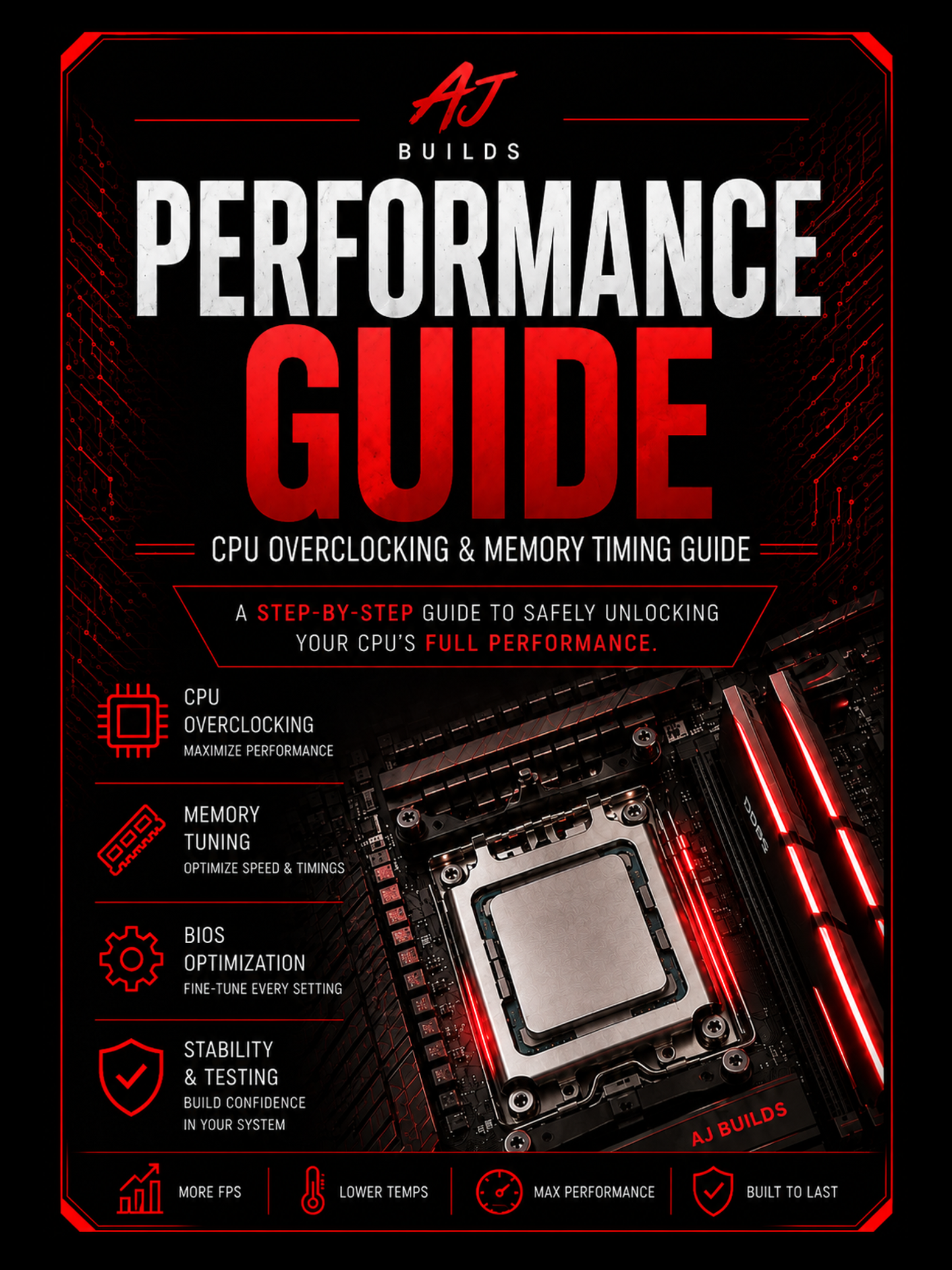
Ryzen 7000 & 9000 Series Performance Optimization Guide
Ryzen 7000 & 9000 Series Performance Optimization Guide
Couldn't load pickup availability
Get More Performance From Your Ryzen Processor
Whether you're building your first gaming PC or looking to squeeze every bit of performance out of your system, this guide walks you through optimizing AMD Ryzen 7000 and Ryzen 9000 Series processors with a clear, step-by-step approach.
Instead of spending hours searching through YouTube videos and forum posts, you'll have everything organized in one easy-to-follow guide that shows you exactly what to change and how to verify your system is stable.
What You'll Learn
- BIOS setup and preparation
- Precision Boost Overdrive (PBO) configuration
- Curve Optimizer tuning
- Performance optimization techniques
- Recommended BIOS settings
- Stability testing from start to finish
Recommended Software
The guide covers how to use industry-trusted tools, including:
- HWiNFO64
- CPU-Z
- Cinebench
- OCCT (recommended for CPU stability testing)
- Karhu RAM Test (paid, highly recommended for memory stability testing)
Compatible Processors
This guide is designed for AMD Ryzen 7000 and Ryzen 9000 Series desktop processors, including popular models such as:
- Ryzen 7600X
- Ryzen 7700X
- Ryzen 7800X3D
- Ryzen 7900X / 7900X3D
- Ryzen 7950X / 7950X3D
- Ryzen 9600X
- Ryzen 9700X
- Ryzen 9800X3D / 9850X3D
- Ryzen 9900X / 9900X3D
- Ryzen 9950X / 9950X3D
Who This Guide Is For
✔ First-time overclockers
✔ PC gamers looking to maximize performance
✔ PC builders wanting to better understand Ryzen tuning
✔ Anyone looking for a structured, beginner-friendly optimization process
Disclaimer & Refund Policy
This guide is intended for educational purposes only. Overclocking and performance tuning are performed at your own risk. Every AMD Ryzen processor is unique due to normal manufacturing variation, meaning results will differ from system to system. The settings and recommendations provided in this guide are intended as a starting point and may require adjustment based on your specific CPU, motherboard, cooling solution, memory, power supply, and BIOS version.
While this guide follows proven optimization practices, no specific performance gains, clock speeds, temperatures, voltage requirements, or stability results are guaranteed. Always monitor your system carefully and perform thorough stability testing after making any changes. AJ Builds is not responsible for any hardware damage, software issues, data loss, system instability, or other damages that may result from using the information contained in this guide. This guide is intended only for DDR5 memory kits using Hynix A-die ICs. The settings and timings provided are not intended for Hynix M-die, Samsung, Micron, or other memory ICs and may not function correctly on unsupported hardware. It is your responsibility to verify compatibility before purchasing. Due to the digital nature of this product, all sales are final and no refunds will be provided for incompatible hardware, unsupported memory ICs, or user error.
This product is a digital PDF download. Because digital products are delivered instantly and cannot be returned, all sales are final. No refunds, exchanges, or cancellations will be provided after purchase. If you experience any issues accessing or downloading your guide, please contact us and we'll be happy to help ensure you receive your purchase.
Digital Download
- Instant PDF download
- Lifetime access after purchase
- Compatible with PC, Mac, tablet, and mobile devices
- Step-by-step instructions with screenshots
- Beginner-friendly format
Take the guesswork out of Ryzen tuning and start getting the most out of your AMD Ryzen 7000 or Ryzen 9000 Series processor.
Share